

How it works
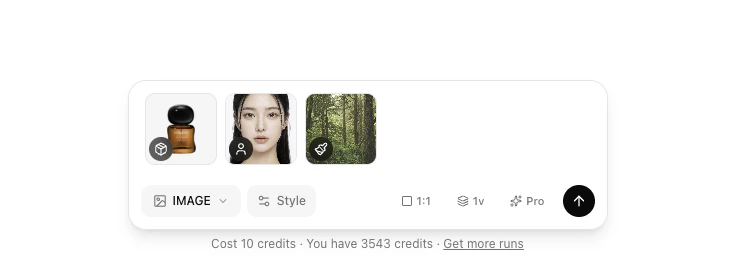
Upload reference images
Add images to any of the five category slots: Product, Model, Outfit, Background, and Pose. Product is the only required slot. The rest are optional.
AI refines the prompt
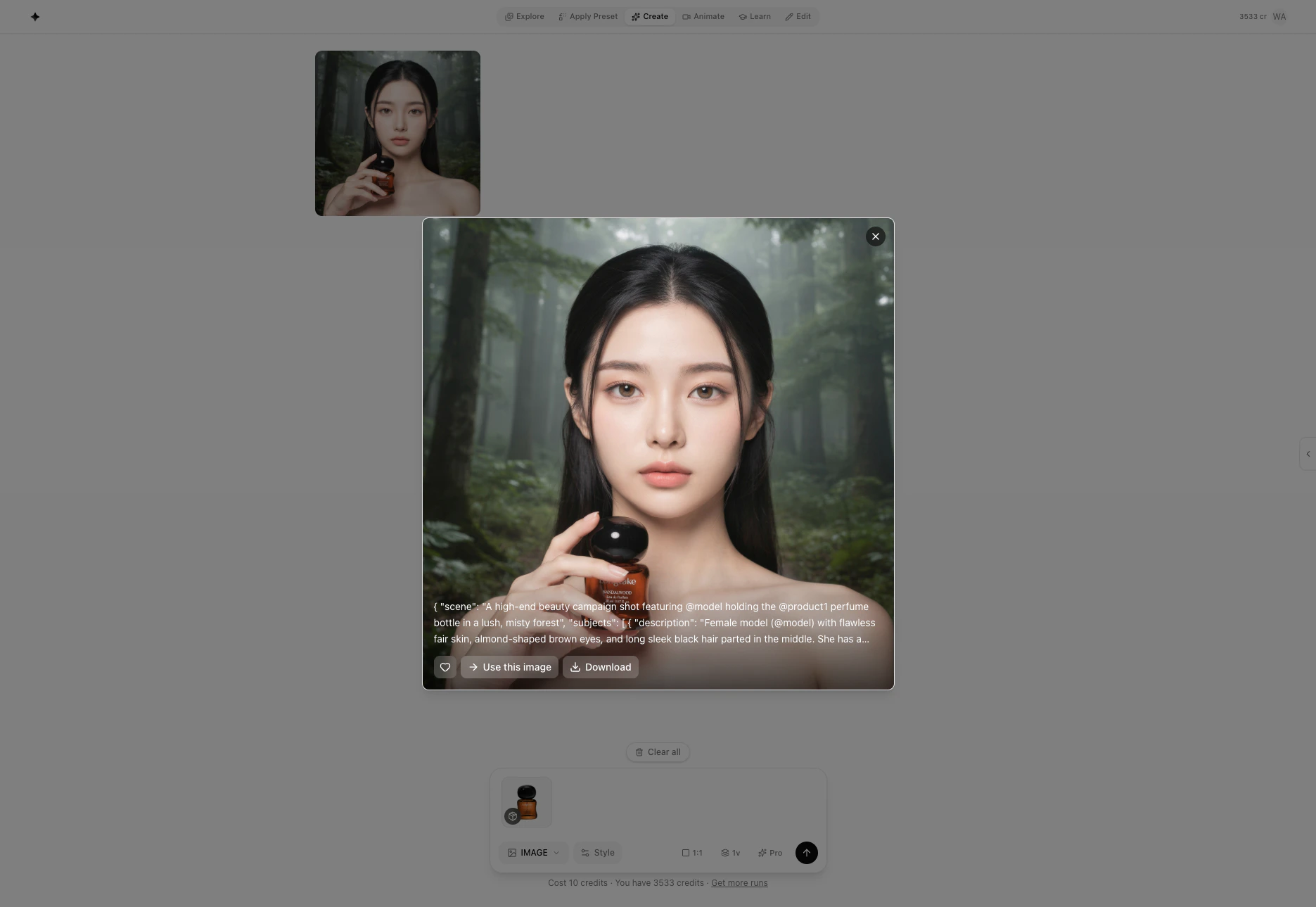
When you click Generate, GESTEL analyzes each image and writes a structured prompt that describes your product, the scene, and any people or styling you’ve provided.
AI generates images
The refined prompt is sent to the engine you chose (Pro or Fast). Images appear in the results grid as each one finishes — you don’t have to wait for the full batch.
Create vs. Recreate
Both modes generate images with the same engines. The difference is what the AI does with your inputs.| Create | Recreate | |
|---|---|---|
| What you provide | Reference images (product, model, outfit, pose, background) | A scene photo + a product photo |
| What the AI does | Invents a new scene around your references | Places your product into your existing scene |
| Best for | Exploring new visual directions | Fitting a product into a specific real photo |
Engine choice
The engine you pick affects how much it costs and the style of results.| Engine | Credits |
|---|---|
| Pro | 10 |
| Fast | 3 |
Upload vs. Studio Upload
When uploading a product image, you can choose between two methods:- Upload — Quick generation. Upload any product photo and generate immediately.
- Studio Upload — Consistent, studio-grade results. Register your product or model through Learn first, then every generation keeps labels, faces, and details consistent. Best for brand-level product photography where visual consistency matters. Takes around 5 minutes and costs 14 credits.
Next steps
Uploading references
How to add images to each slot, including from the Learn library.
Image categories
What each category does and how the AI uses it in the prompt.
Engines
Detailed comparison of Pro, Fast, and Studio Upload.
Advanced options
Camera, lighting, shot type, and aspect ratio controls.